
Debt Payoff Planner
See the month you'll be debt-free.
$2.99
What's inside →

Simple Google Sheets budget planner. Log what you spend, it does the math.

Set it up once, then just log what you spend.
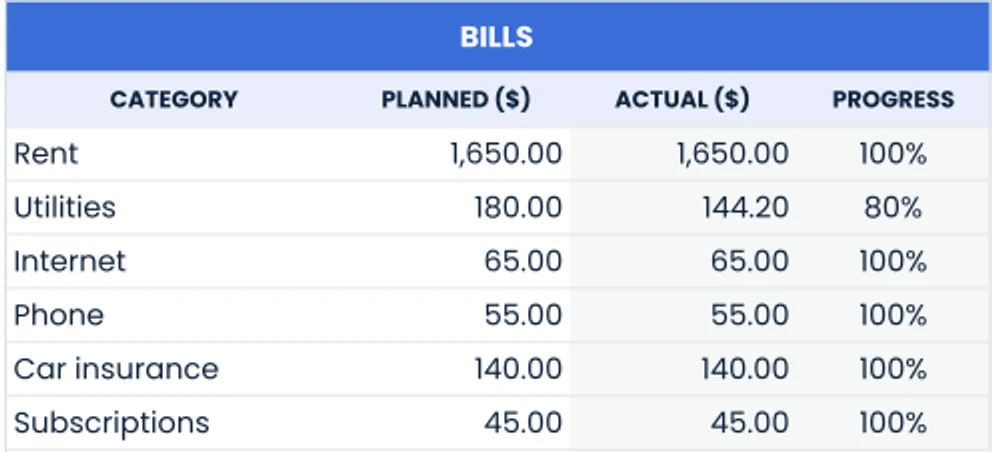
Type in your paycheck, rent and the rest of your plan for the month.
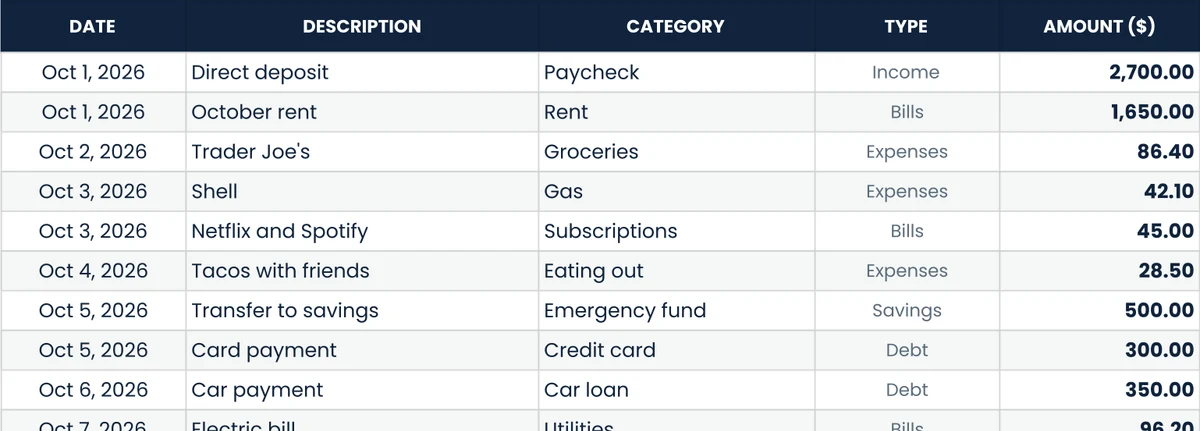
Add each purchase with a date, amount and category. That's it.
Totals, charts and what's left to spend update by themselves.
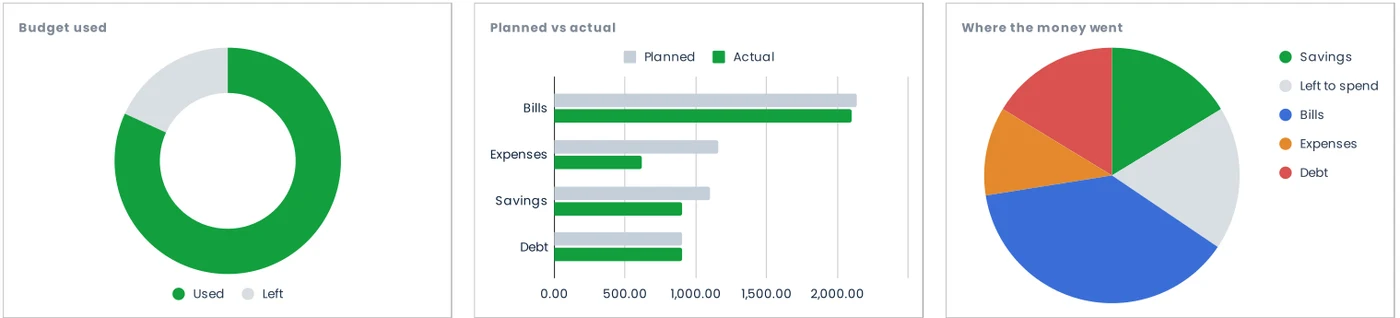
Weekly, bi-weekly or monthly. Charts update the moment you log a purchase.
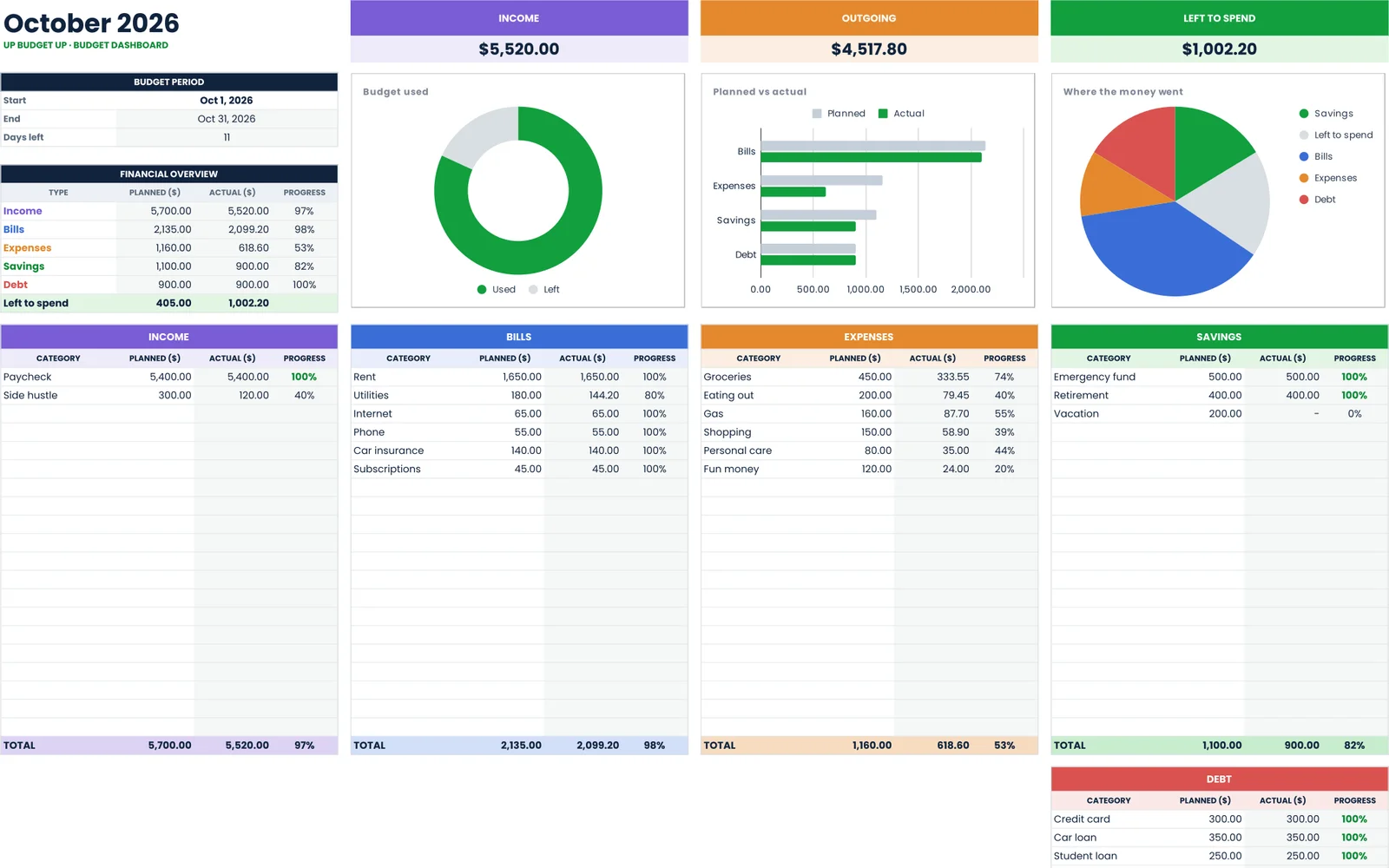
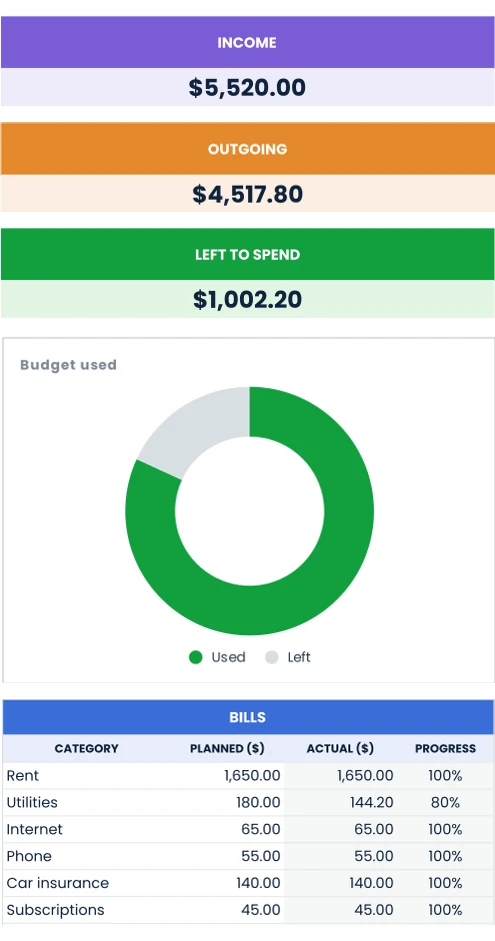
Each sheet does one job really well. Add the ones you need.
See the month you'll be debt-free.

Save a little every week.

Give every dollar a job.

Never miss a due date again.

The Budget Planner and all four add-ons.
No. Everything runs in Google Sheets, which is free with a Google account. It works in your browser and in the Google Sheets app.
Yes. Open your copy in the Google Sheets app to log spending on the go. Setting up your categories is easiest on a computer.
Yes. Pick your currency symbol in the settings and every heading and total switches to it.
Both. The Budget Planner works weekly, bi-weekly or monthly, and you can switch with one setting.
Right after checkout you'll see a "Make a copy" button for each sheet, and we email you the same links. One click saves your own copy to your Google Drive.
No. Your copy lives in your own Google Drive. We never see what you type into it.
Email us and we'll fix it. If we can't, you get your money back.
Less than a dollar. Ready in a minute.